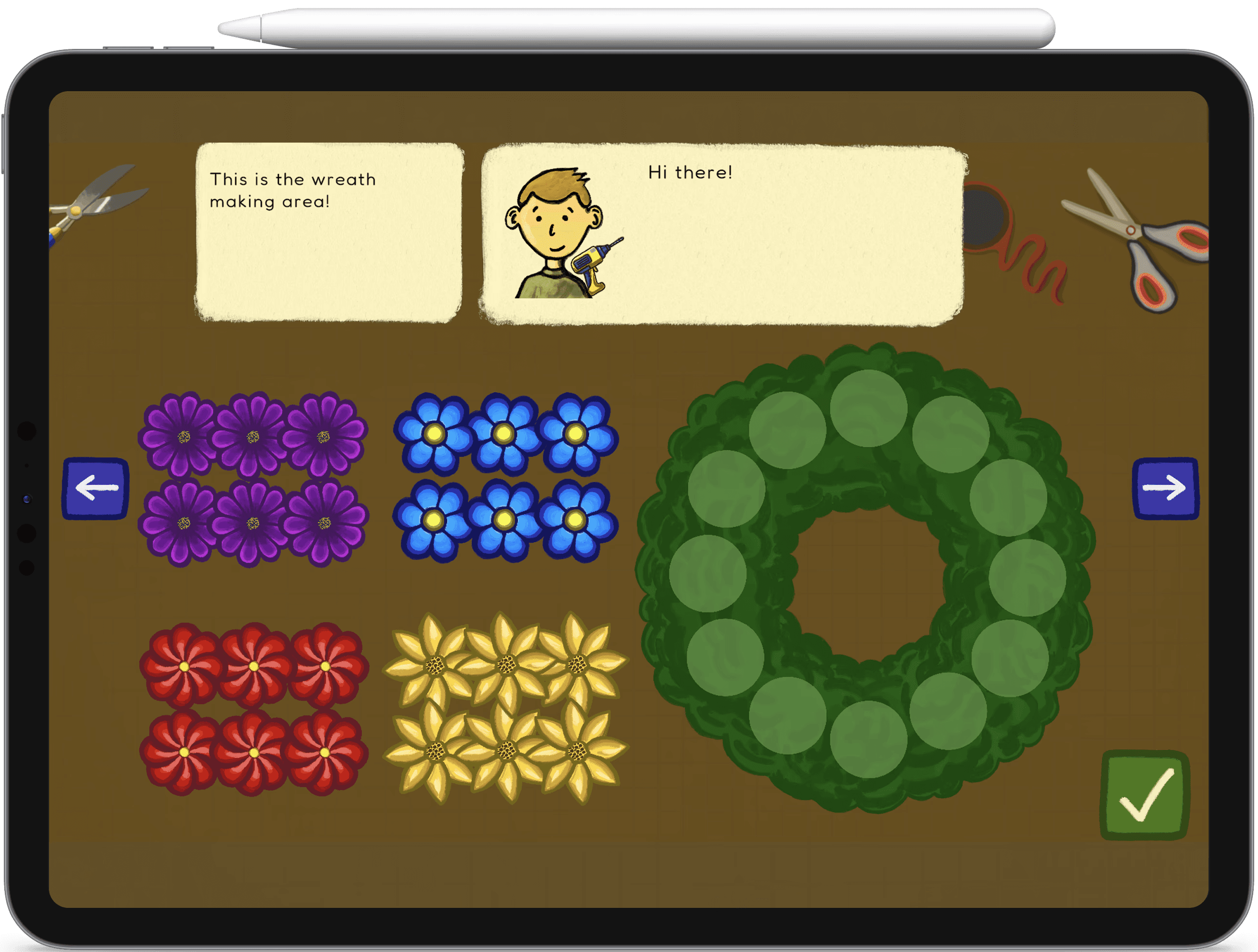
Many digital learning games limit player agency, but offering choice can increase autonomy and support learning. This project, led by the Davis Media Lab, explores how agency and autonomy influence children’s gameplay experiences.
The goal
Create a game with varying agency levels and measure autonomy levels.
my role
As the sole product designer and developer, I designed the gameplay and visuals, built the Unity prototypes, conducted testing with the research team, and iterated based on feedback.
To scope the space, I surveyed U.S. education game research, spoke with a Common Sense Media director, and played a range of learning games. Through my research, I discovered three recurring core principles for a successful game.
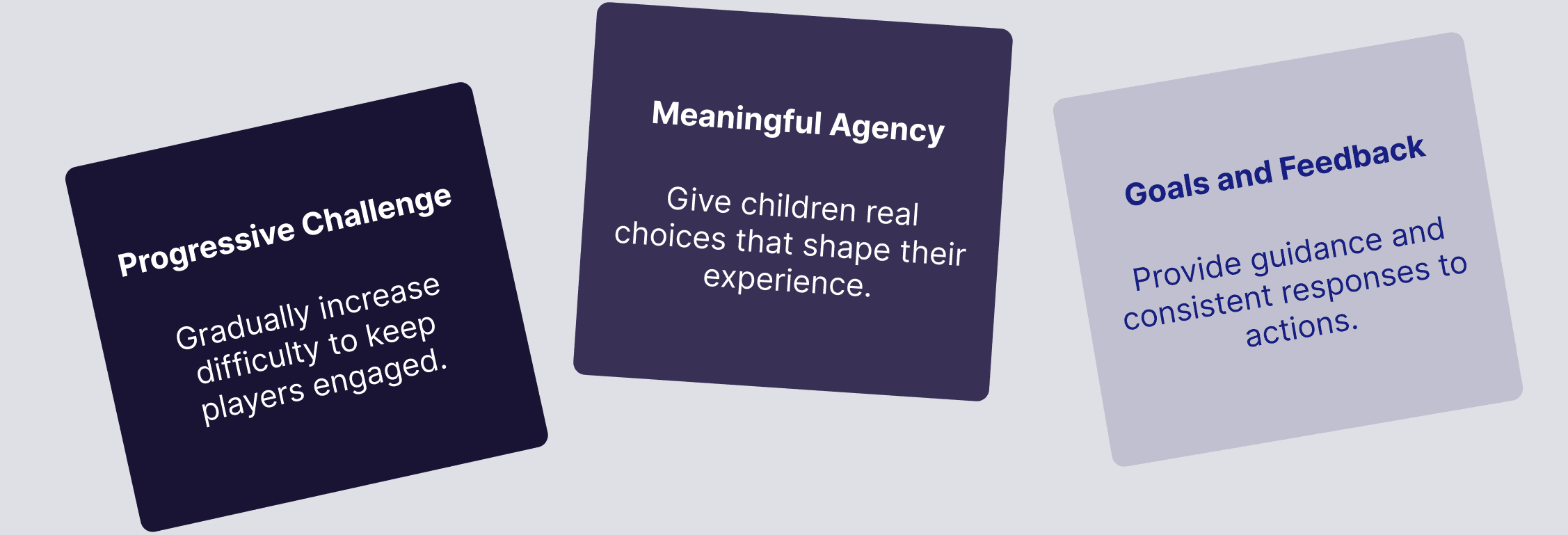
To capture themes of growth and creativity, we explored nature-focused ideas such as gardening and flower cultivation. We ultimately chose a flower shop concept because it clearly mapped to our three principles:
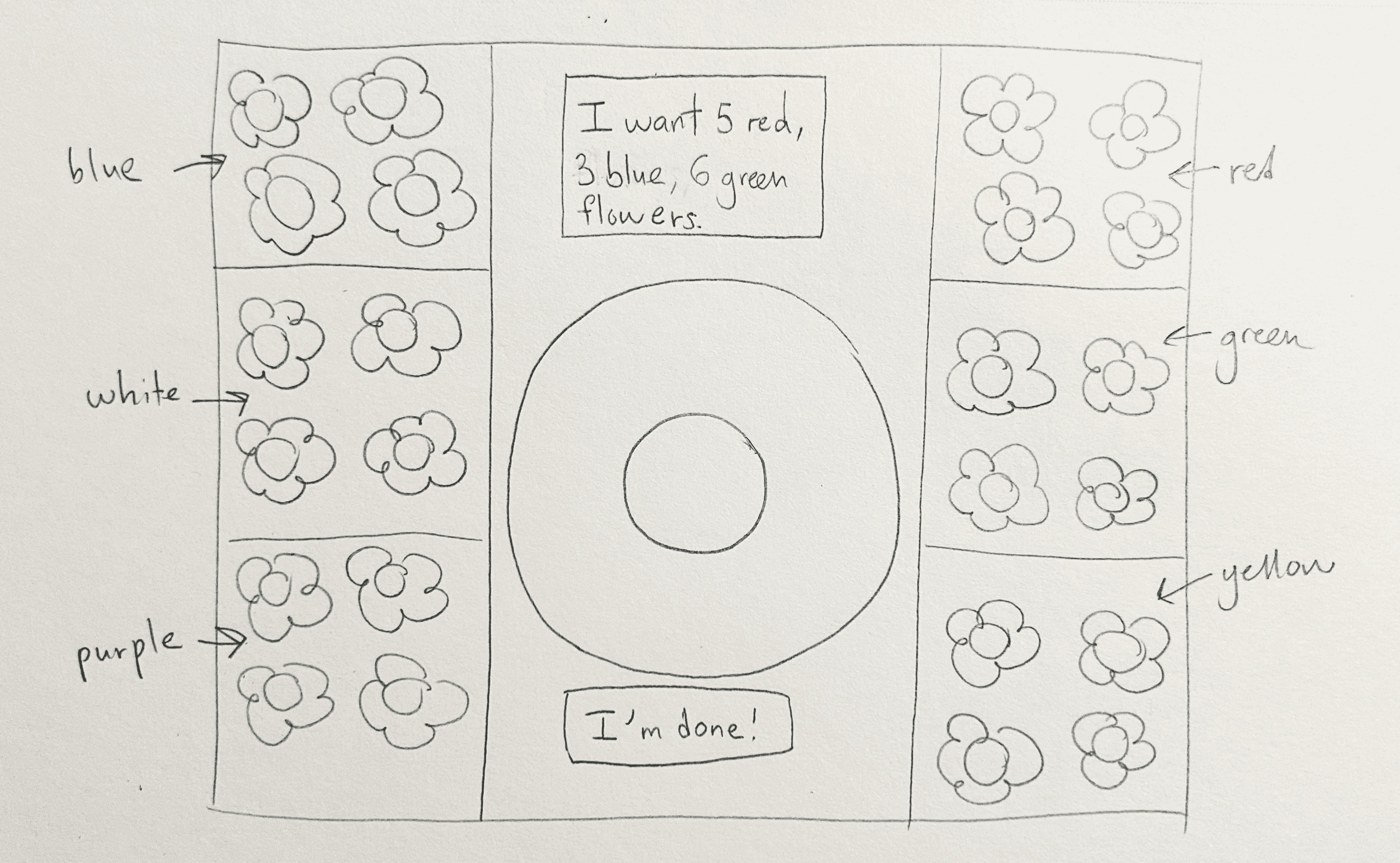
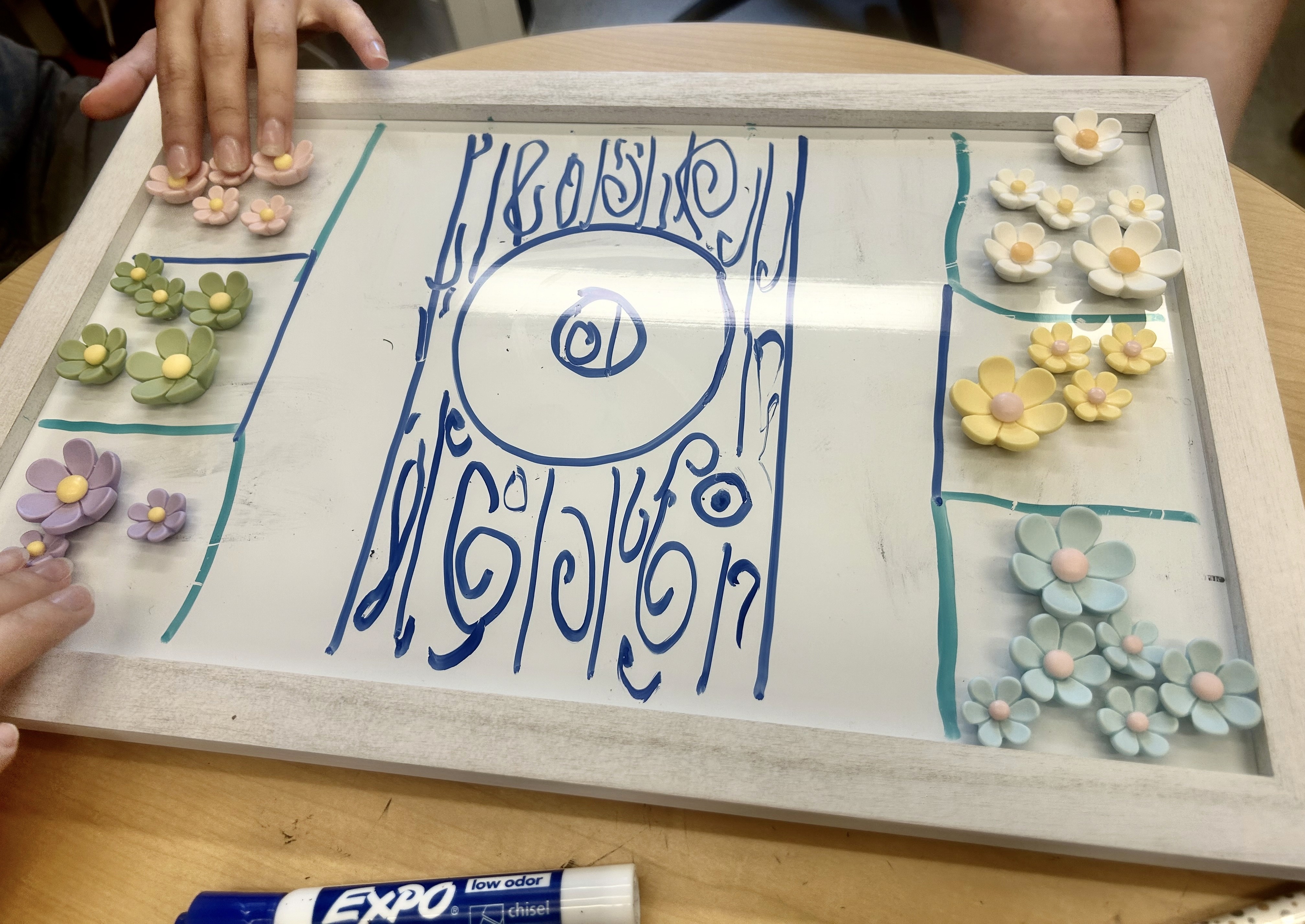
Now it was time to see if our concept landed, so we headed to play at a preschool.
At a local preschool, we tested a whiteboard-and-magnets prototype with seven children and asked what they liked, wished for, and wondered about the game.
participant quote
“I like the colors of the flowers and putting them together.”
Knowing the core concept worked, it was time to define the game parameters.
We chose fractions as the core concept since the wreath functions as an intuitive whole. The setup allows difficulty to scale cleanly across rounds and gives us flexibility in how we structure versions.
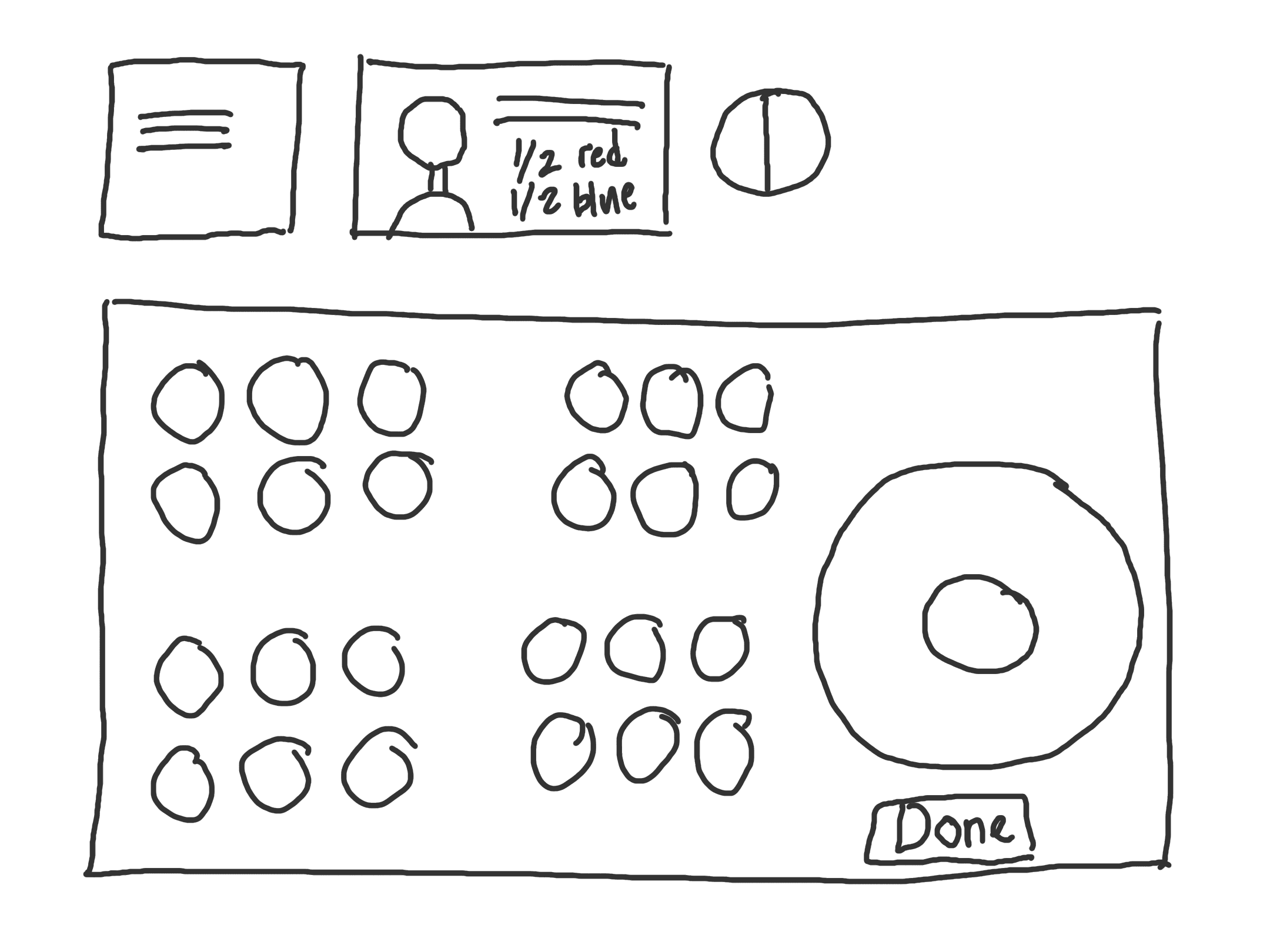
With the concept and measurable skill locked in, it was time to build the game in Unity.
Coding the game revealed several challenges that shaped the final design and taught me how to work within tight constraints.
To isolate the effect of agency, we created three game versions that differed only in the end-of-round step: choosing the next client and/or the bow.
Choose client and bow.
Choose bow only.
Choose neither client nor bow.
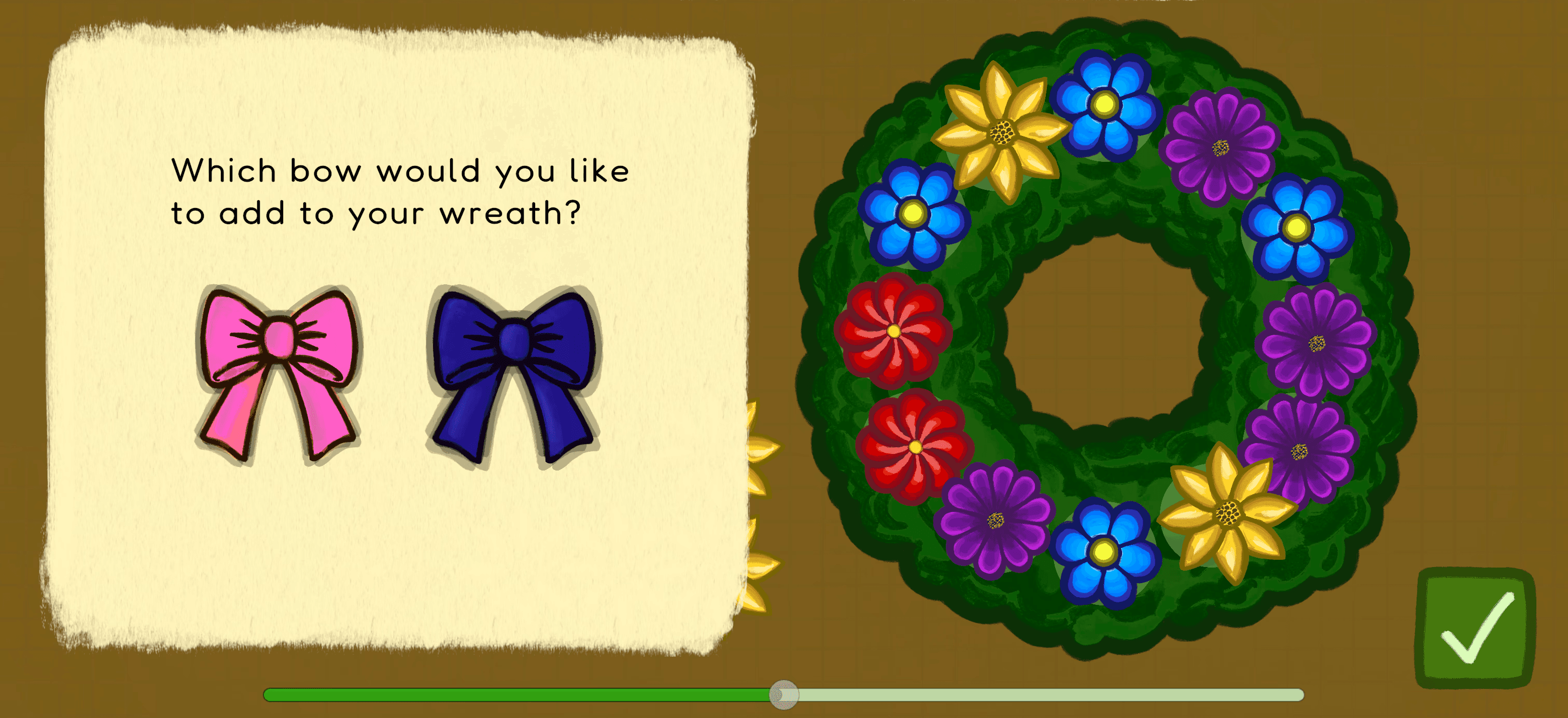
Bow selection screen present in two versions.
Now that we had a plan for testing agency, our next step was to see if kids were engaged.
An object next to each customer, making selection a more conscious choice.
Children go at their own pace with arrow navigation.
Pictures of completed wreaths appear as a guide for the first five rounds.
participant quote
“The intro is too slow, I want to skip and start playing.”
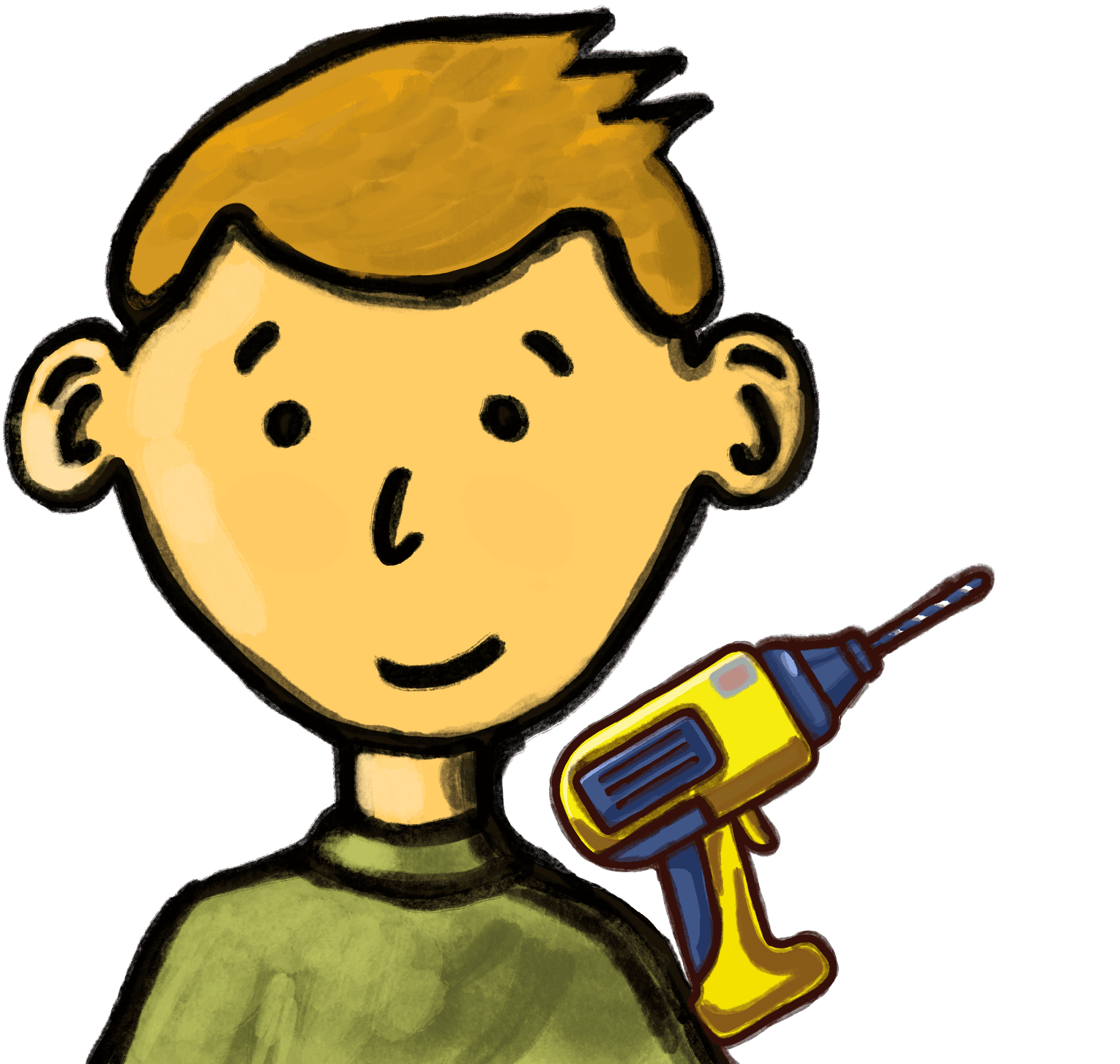
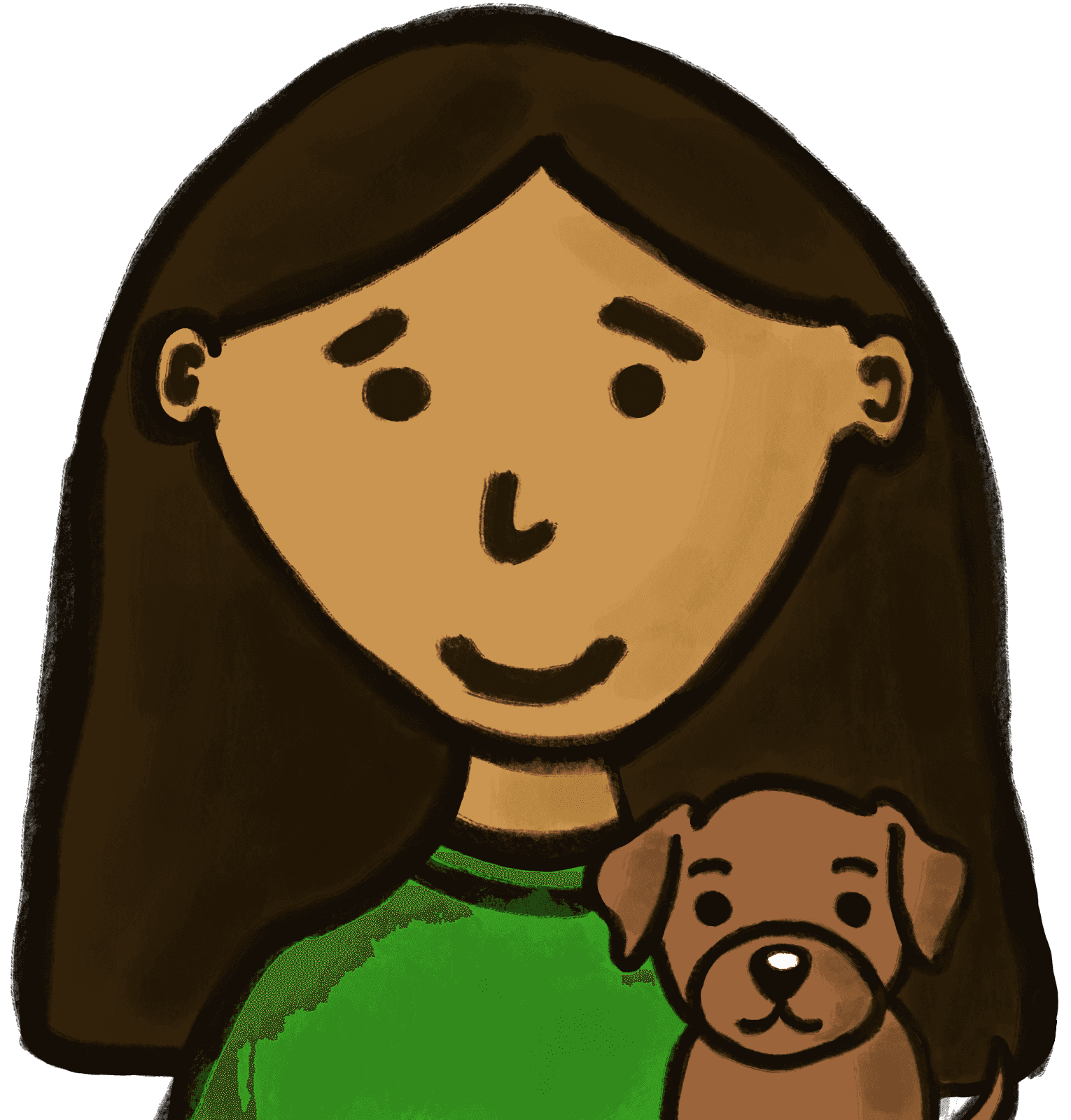
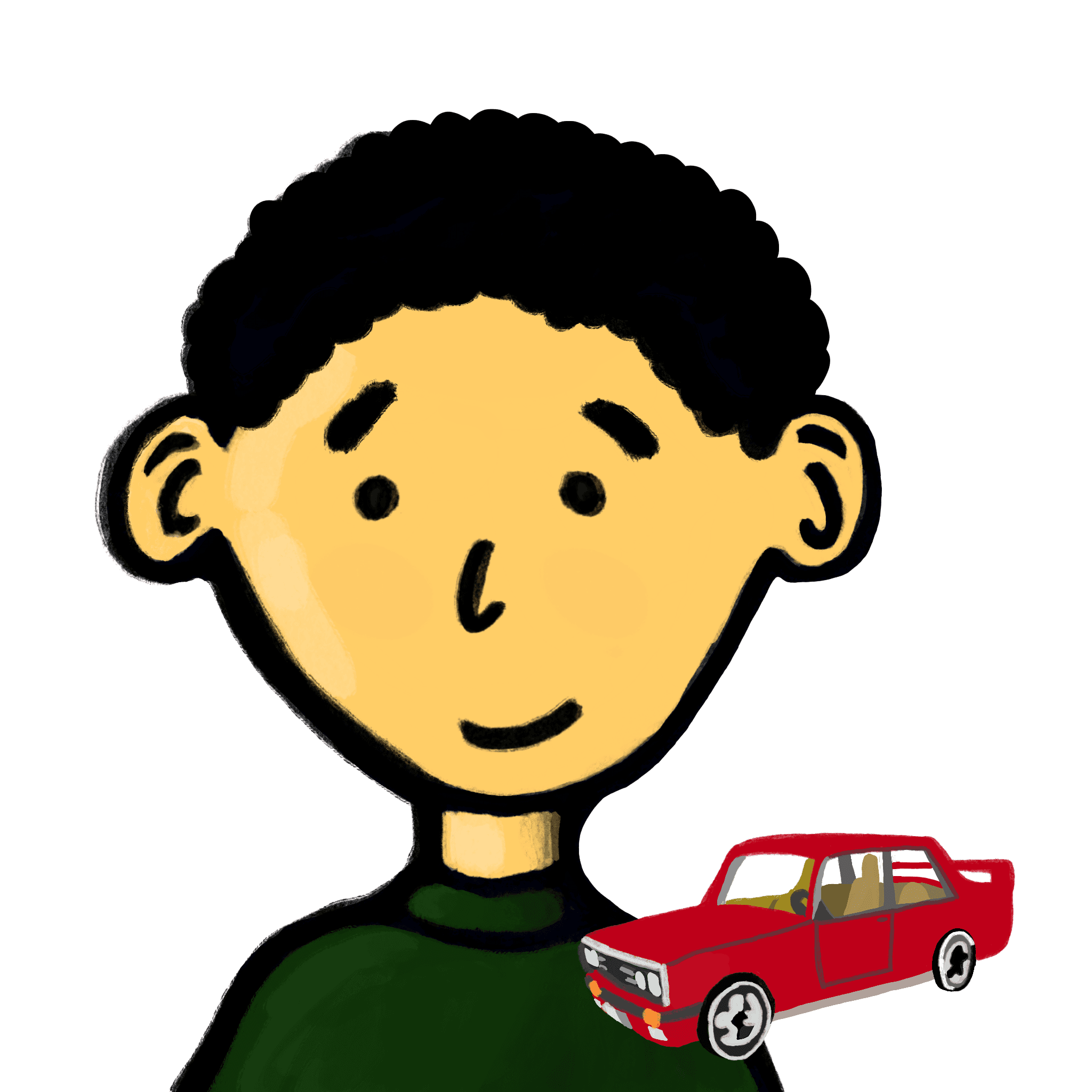
Characters with hobby objects.
After this test confirmed kids were engaged, I turned my focus to how the game felt to play.
Back at the lab, four older children played the game and answered targeted prompts (e.g., “What sound would make this step feel more satisfying?”) to collect specific UX feedback.
Because children were getting tired and the final two levels weren’t truly adding learning value, I removed them.
To help children see their progress, I added a progress bar showing how many levels were completed and how many remained.
To keep the experience engaging, I added small sound cues so every action felt noticed and the momentum continued.
The researchers logged autonomy scores from ~25 kids on a 1–5 scale (1 = game is in charge, 5 = I’m in charge). Kids who played the High-Choice (HC) version felt more autonomous than the No-Choice (NC) version across all three questions:
Overall, the High-Choice version boosts perceived autonomy by ~0.84 points on average (on a 5-point scale). (Early read only; demographics and full data entry still in progress.)
This project taught me how to balance competing needs. To succeed, the game had to produce meaningful data, keep kids eager to play, and stay scoped realistically for me as a beginner coder.
Although I am grateful for the experience of building the game from scratch, it confirmed I do my best work in user experience design and plan to keep my focus there. Building the game deepened my respect for developers and made me a clearer communicator.
Playing At the Museum!
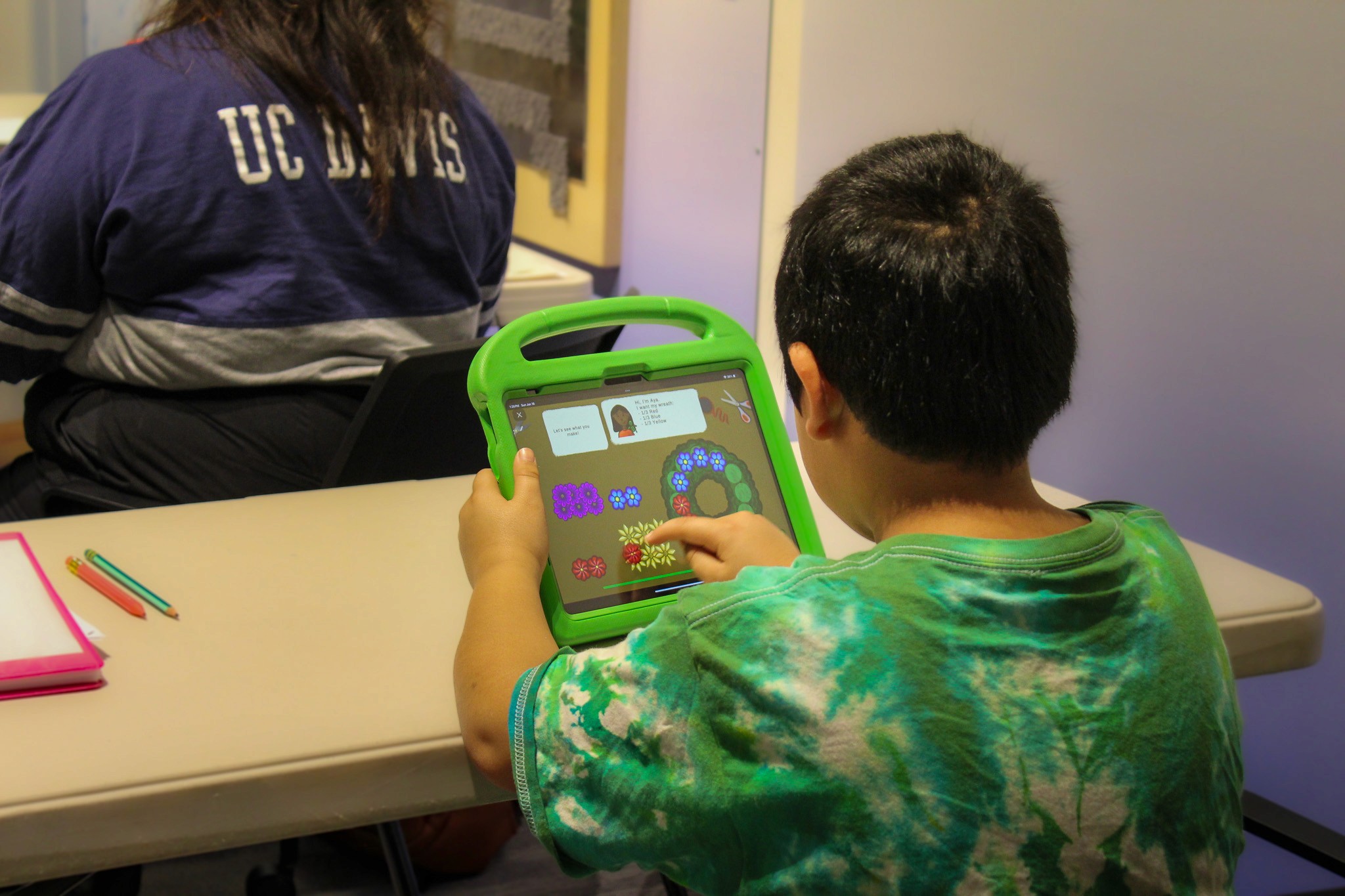
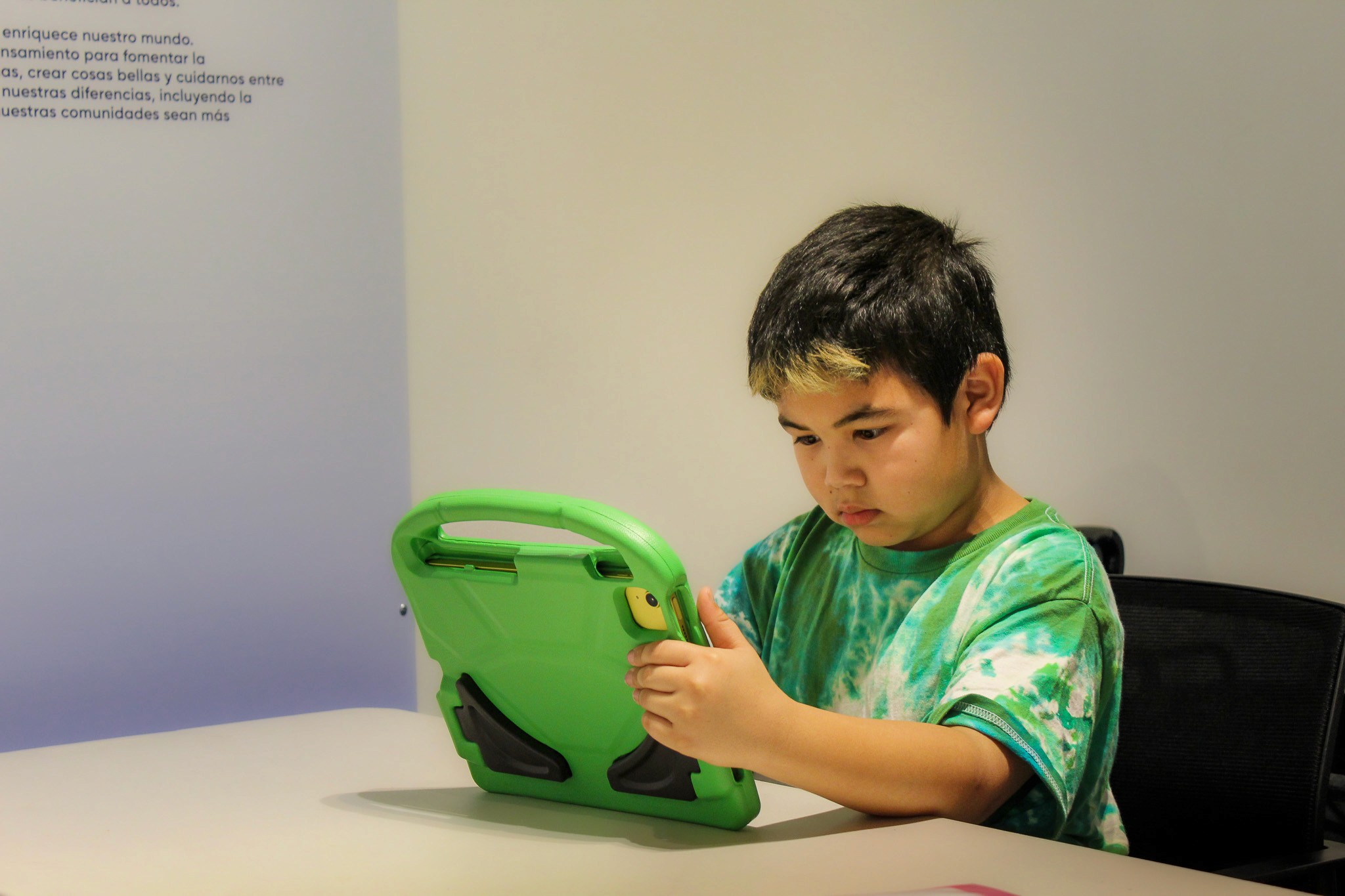
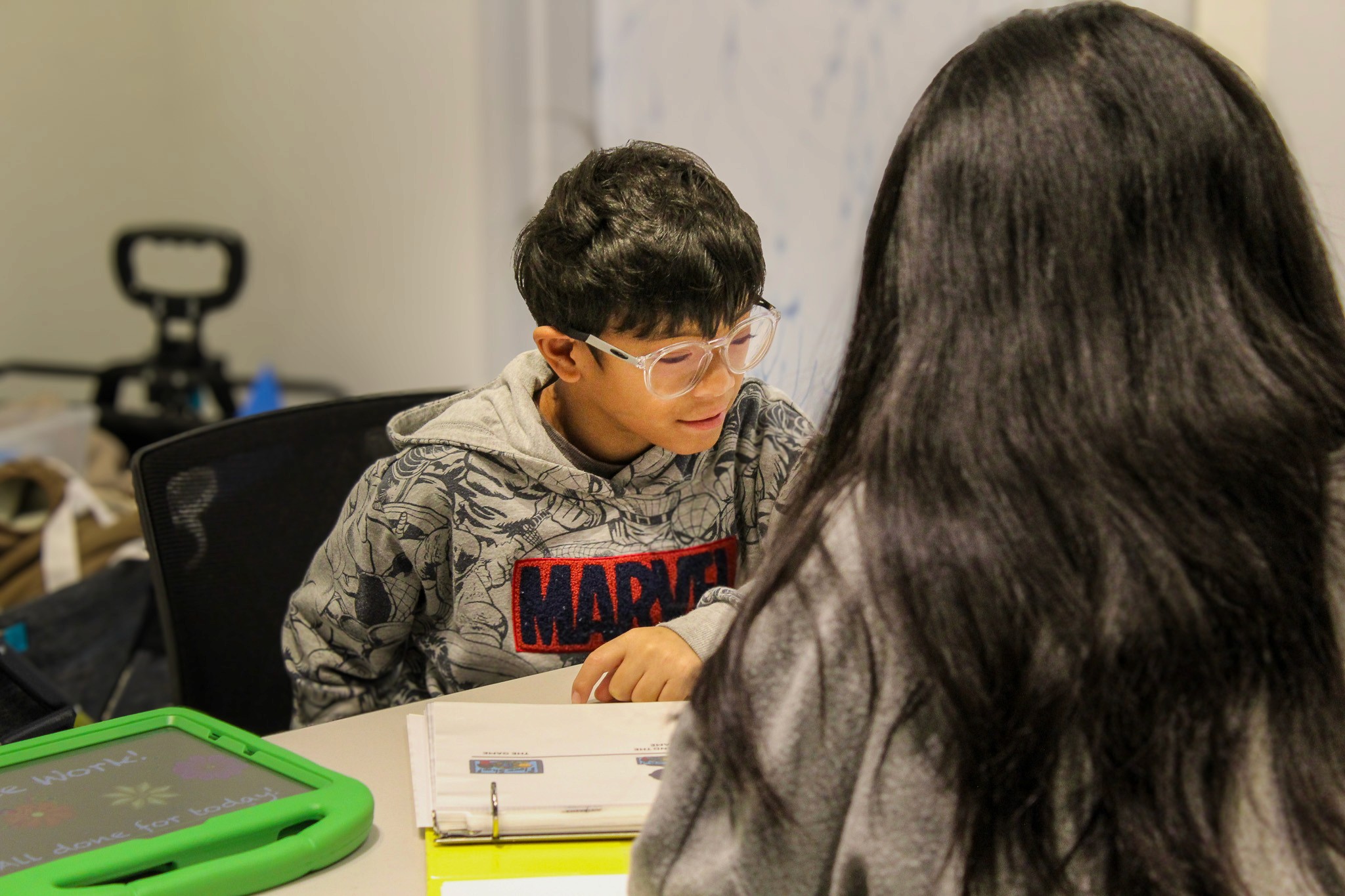
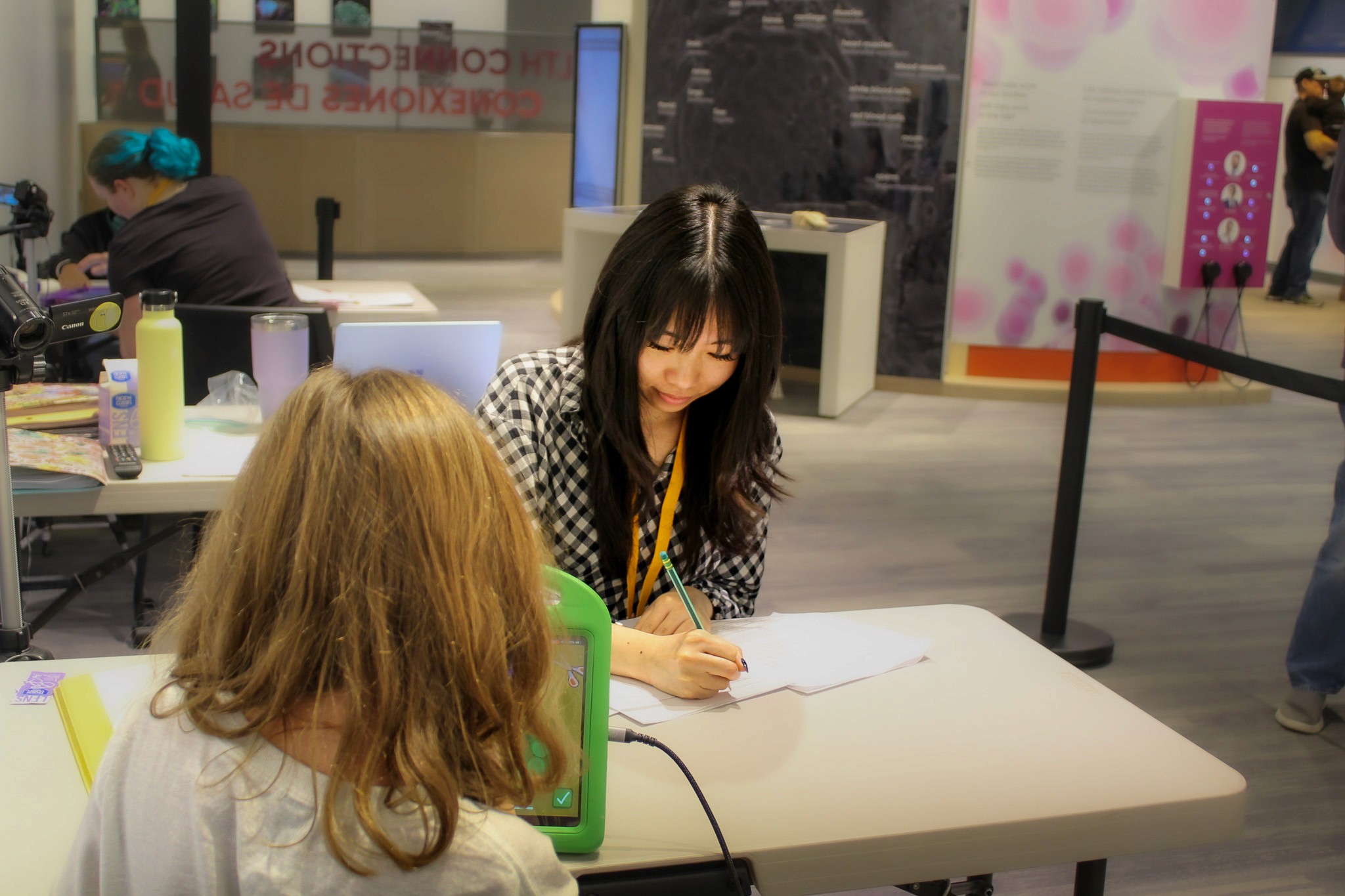
One child went "he looks like me!" to one of the characters, which is exactly why I made the characters diverse, so that the kids could see themselves in the game. Since the kids participated in a research study, we called them "junior scientists" and one child asked if his stuffed animal could also be a junior scientist!
up next…
Girl Scouts Site Redesign
Let's build something together.
© 2026 Alexandra Litinskiy