Girl scouts site redesign
For easier navigation for thousands of employees.
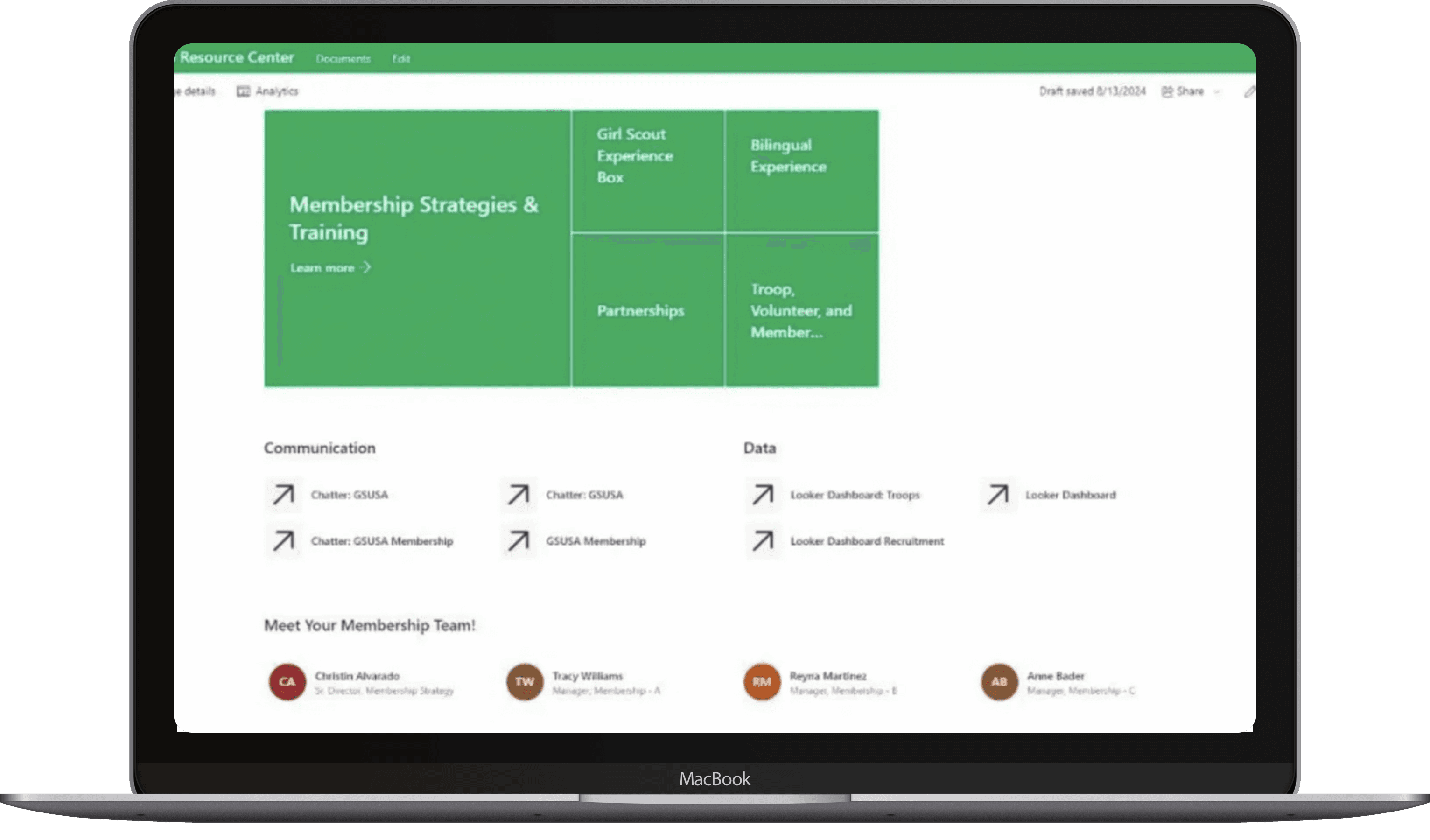
role
Product Design & Research
Timeline
June - Sept 2024
Organization
Girl Scouts of the USA
Tools
Figma, SharePoint
results at a glance
Task Completion Time
-70%
User Satisfaction
+45%
context
Difficult to navigate
For Girl Scouts of the USA staff, membership site is the central hub for all things related to registration. Staff struggled to find resources on the site and staff couldn't keep up with updates. A redesign was needed.
project goals
Understand key navigation issues.
Restructure the site for ease of both team and staff.
my role
As the product design intern on the membership team, I led research, restructured content and navigation, and delivered the final updated site.
*Communication Early & Often
Throughout my internship, I presented redesign updates in twice-monthly nationwide membership webinars, explaining what changed and why, outlining next steps, and taking questions.
initial research
understanding frustrations
To get a sense of the pain points of membership site users, I conducted a quick survey with 20 respondents.
survey insights
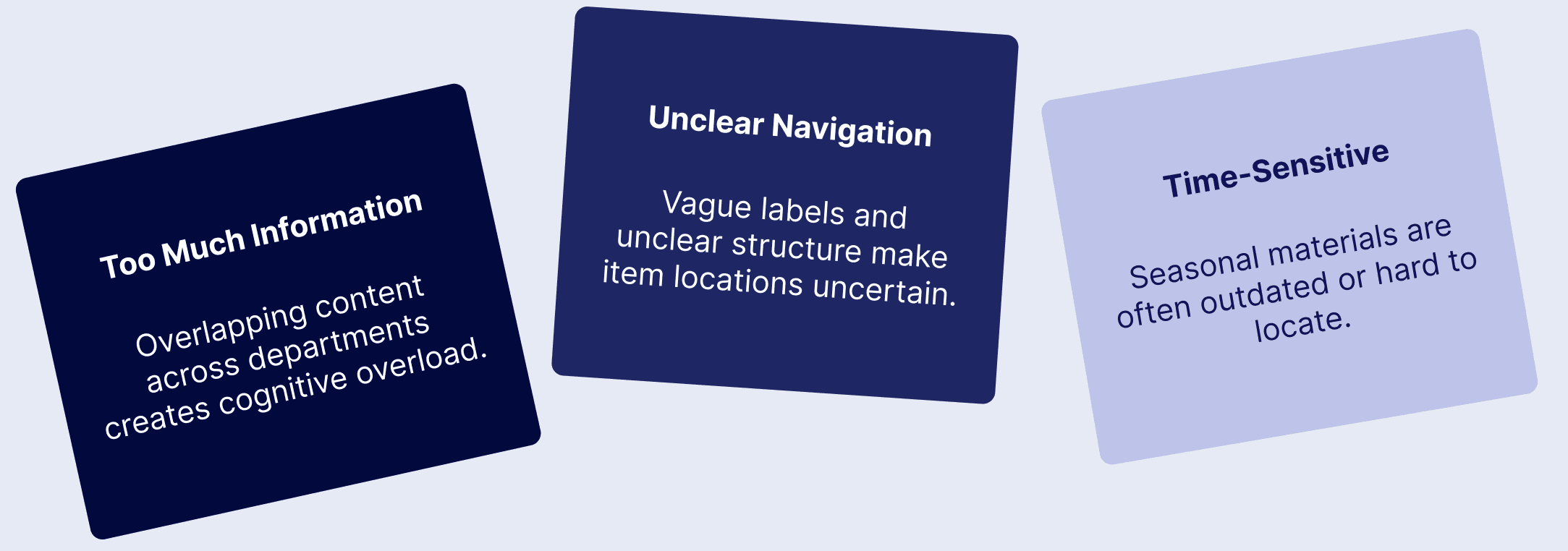
Survey Question
“On a scale of 1-10, how easy is it for you to find what you need?”
Building on these survey findings, I conducted moderated usability testing to see exactly where and why users got stuck.
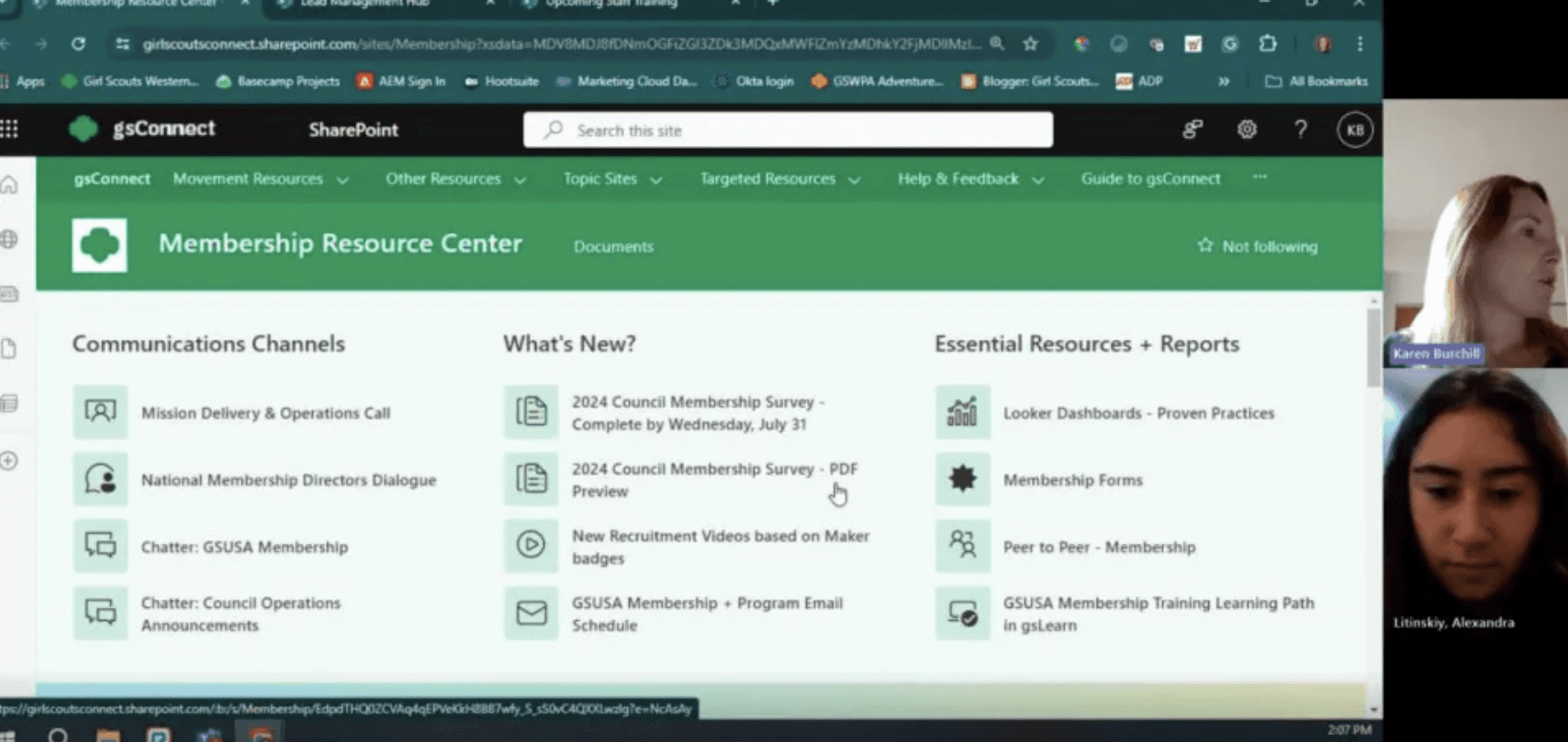
Moderated Usability Testing
digging deeper into the issues
I ran remote sessions with staff nationwide, where participants completed tasks on the site while I tracked time, clicks, and success.
6 participants • 3 routine tasks • post-task interview
average time to Complete
2 minutes 11 seconds
average clicks to Complete
8.6 clicks
Goal time
30 seconds
goal clicks
5 clicks
participant quote
“Not easy to find specific things on the site, I have to remember where to click first, second, third”.
key takeaways from usability testing
Memorized Paths
Users rely on memory to find resources; if they miss a step, they get stuck.
Unclear Destinations
Links and buttons don’t clearly signal where they lead.
speed most relevant
People prioritize getting information fast over knowing its exact location.
Now that I had a clear understanding of the specific issues in the navigation, it was time to reorganize the large amount of resources all present in the site.
card sorting
prioritizing information
To understand how people naturally group the information on the sitr, I asked 20 participants to group content into categories that they name.
✅ why card sorting?
It's a clear way to see how people think intuitively.
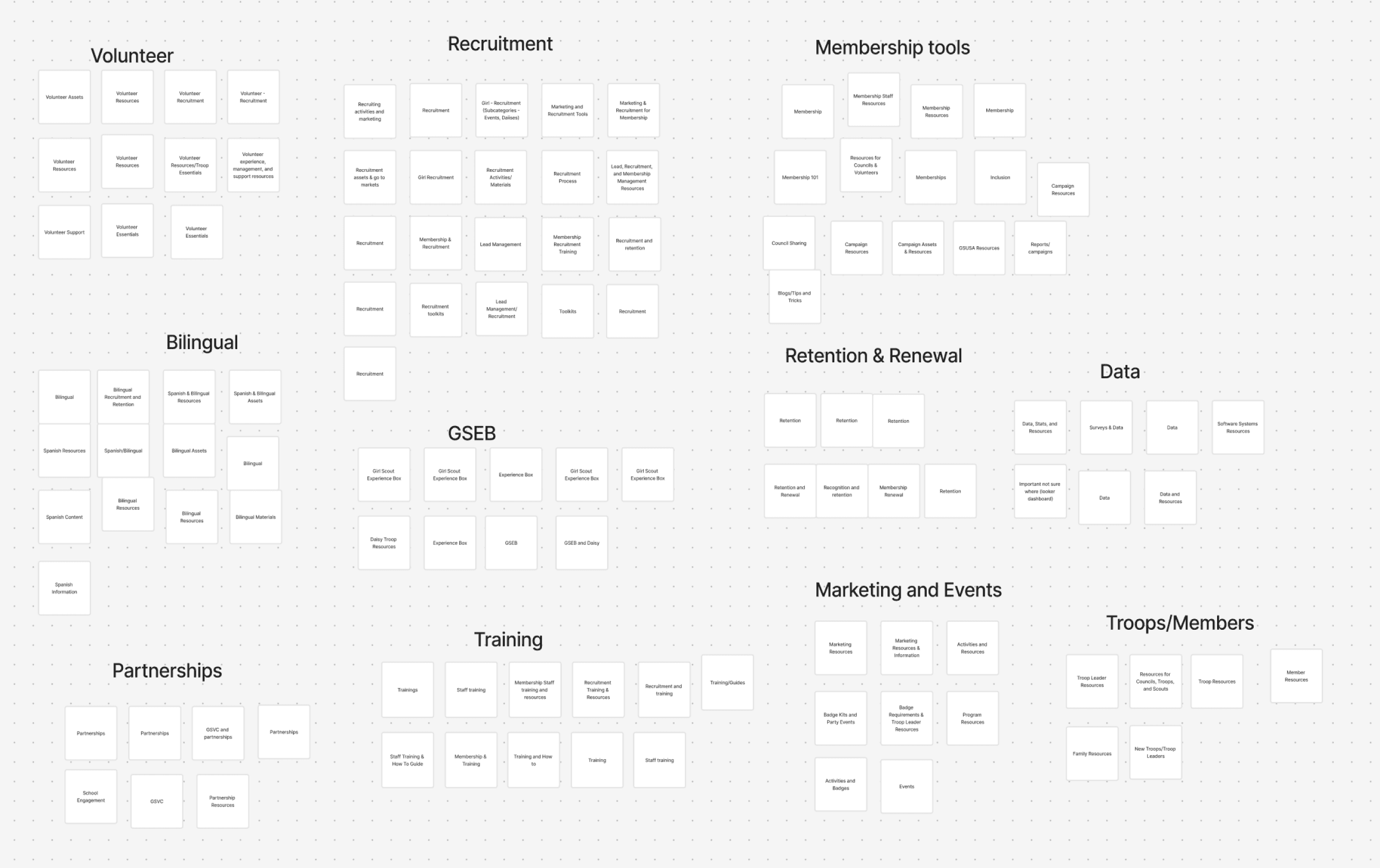
Results of groups formed by 20 participants.
final design
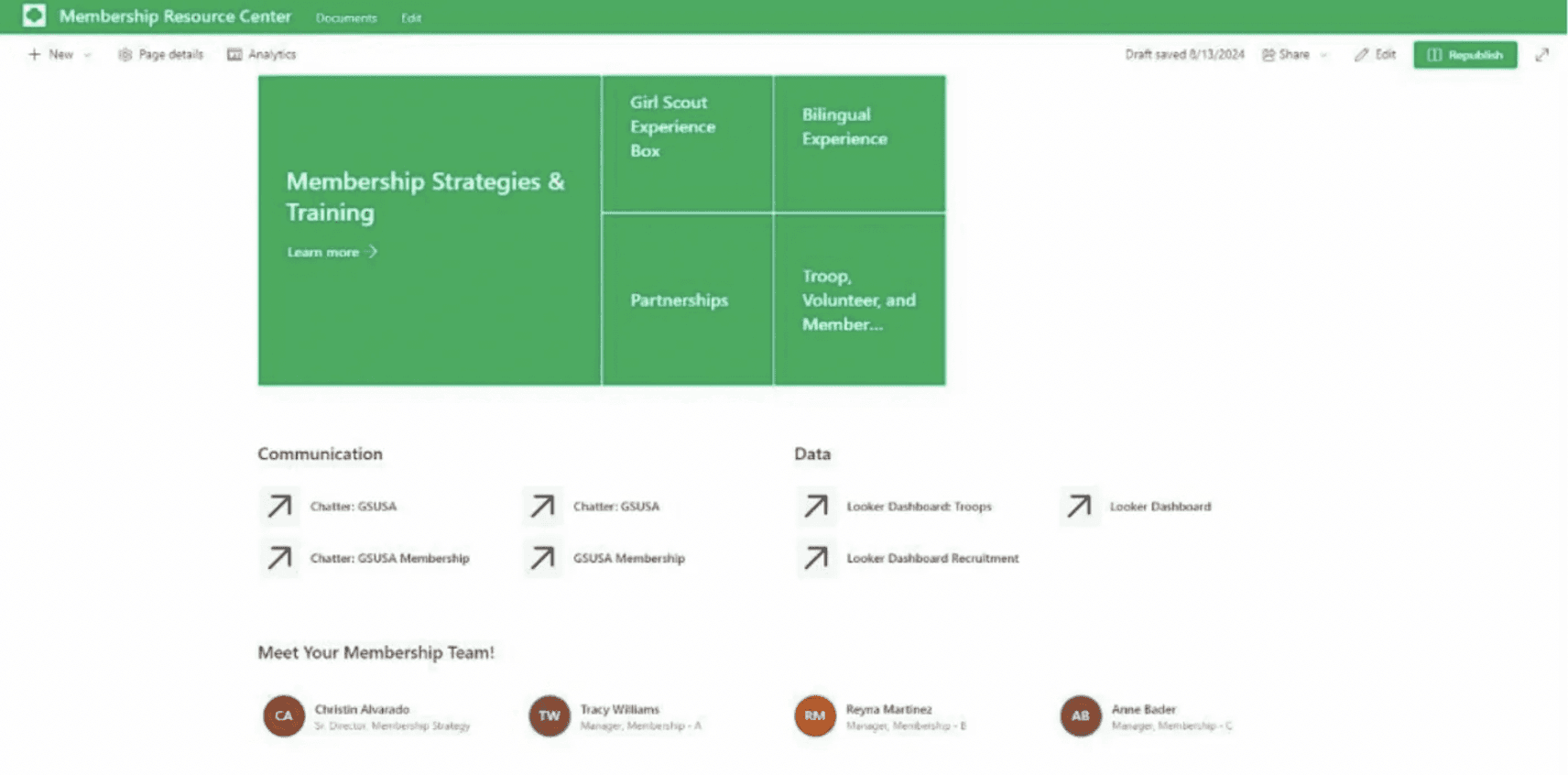
Homepage: Quick registration, quick links, and trainings.
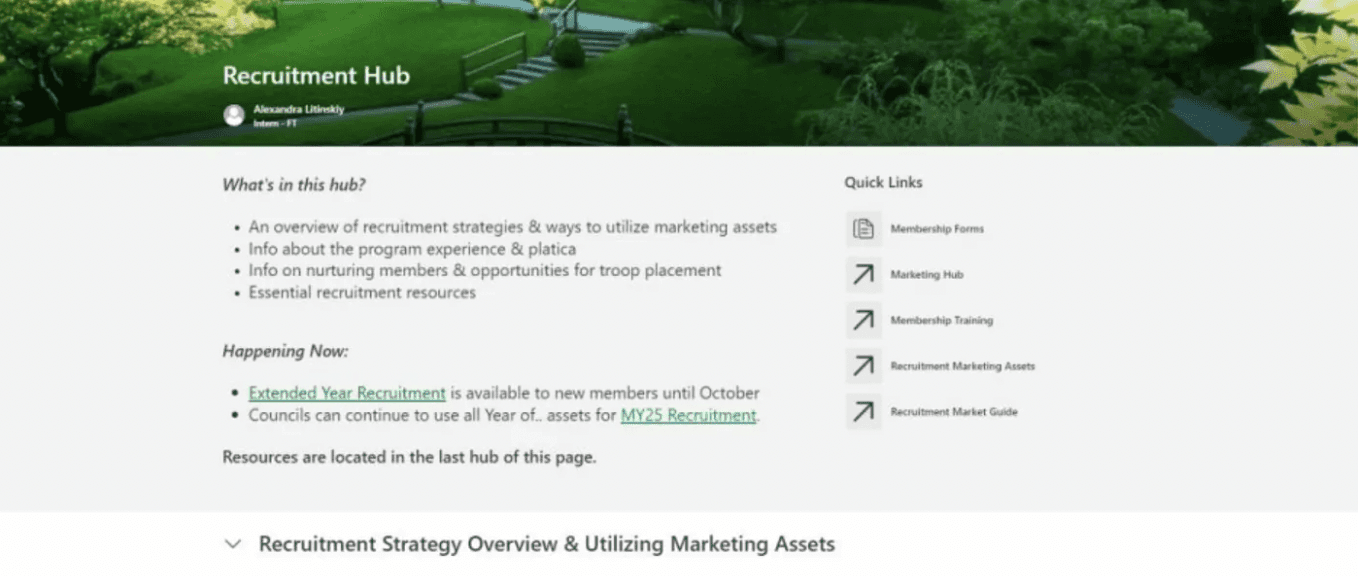
Hub Page: Overview and news, content drop-down, key links.
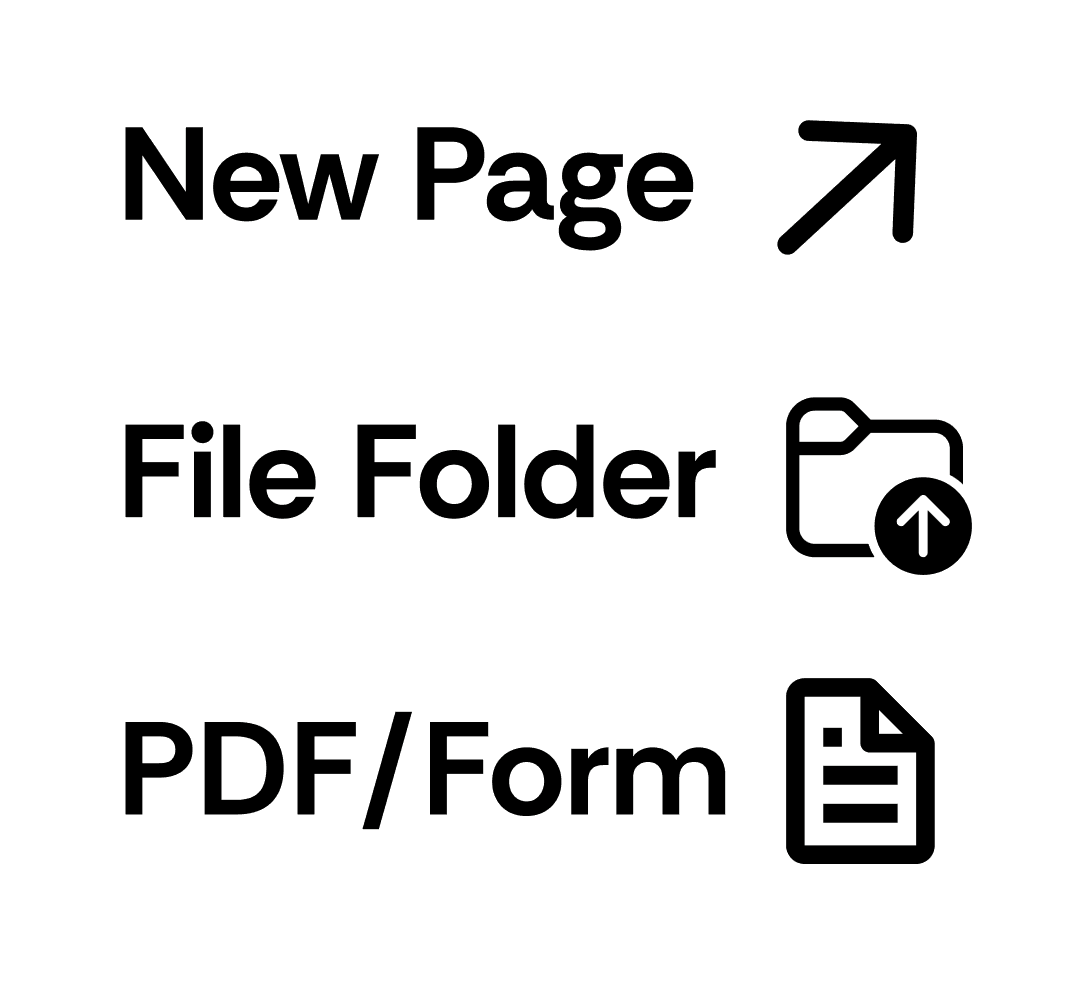
Icon system: Icon next to each clickable link or button.
Task Completion Time
-70%
User Satisfaction
+45%
Task Success Rate
+25%
looking back
my reflections
confidence and public speaking improved
Presenting site updates in the bi-weekly membership webinars gave me the chance to improve not only my public speaking skills but my overall confidence as a product designer.
working within constraints
Designing in SharePoint came with many constraints. It forced me to get creative with my solutions to navigation issues and site organization.
looking ahead
upkeeping the site
To ensure the website would stay in the format I created, I created a document outlining page layouts to ensure consistency across future pages. I wanted to be sure any updates to the site would still have that site layout I gave it.
Let's build something together.
© 2026 Alexandra Litinskiy
Girl scouts site redesign
For easier navigation for thousands of employees.
role
Product Design & Research
Timeline
June - Sept 2024
Organization
Girl Scouts of the USA
Tools
Figma, SharePoint
results at a glance
Task Completion Time
-70%
User Satisfaction
+45%
context
Difficult to navigate
For Girl Scouts of the USA staff, membership site is the central hub for all things related to registration. Staff struggled to find resources on the site and staff couldn't keep up with updates. A redesign was needed.
project goals
Understand key navigation issues.
Restructure the site for ease of both team and staff.
my role
As the product design intern on the membership team, I led research, restructured content and navigation, and delivered the final updated site.
*Communication Early & Often
Throughout my internship, I presented redesign updates in twice-monthly nationwide membership webinars, explaining what changed and why, outlining next steps, and taking questions.
initial research
understanding frustrations
To get a sense of the pain points of membership site users, I conducted a quick survey with 20 respondents.
survey insights
Survey Question
“On a scale of 1-10, how easy is it for you to find what you need?”
Building on these survey findings, I conducted moderated usability testing to see exactly where and why users got stuck.
Moderated Usability Testing
digging deeper into the issues
I ran remote sessions with staff nationwide, where participants completed tasks on the site while I tracked time, clicks, and success.
6 participants • 3 routine tasks • post-task interview
average time to Complete
2 minutes 11 seconds
average clicks to Complete
8.6 clicks
Goal time
30 seconds
goal clicks
5 clicks
participant quote
“Not easy to find specific things on the site, I have to remember where to click first, second, third”.
key takeaways from usability testing
Memorized Paths
Users rely on memory to find resources; if they miss a step, they get stuck.
Unclear Destinations
Links and buttons don’t clearly signal where they lead.
speed most relevant
People prioritize getting information fast over knowing its exact location.
Now that I had a clear understanding of the specific issues in the navigation, it was time to reorganize the large amount of resources all present in the site.
card sorting
prioritizing information
To understand how people naturally group the information on the sitr, I asked 20 participants to group content into categories that they name.
✅ why card sorting?
It's a clear way to see how people think intuitively.
Results of groups formed by 20 participants.
final design
Homepage: Quick registration, quick links, and trainings.
Hub Page: Overview and news, content drop-down, key links.
Icon system: Icon next to each clickable link or button.
Task Completion Time
-70%
User Satisfaction
+45%
Task Success Rate
+25%
looking back
my reflections
confidence and public speaking improved
Presenting site updates in the bi-weekly membership webinars gave me the chance to improve not only my public speaking skills but my overall confidence as a product designer.
working within constraints
Designing in SharePoint came with many constraints. It forced me to get creative with my solutions to navigation issues and site organization.
looking ahead
upkeeping the site
To ensure the website would stay in the format I created, I created a document outlining page layouts to ensure consistency across future pages. I wanted to be sure any updates to the site would still have that site layout I gave it.
up next…
Crowdsource Tool redesign
